
CertForge
CertForge creates a proper two-tier Certificate Authority (Root CA + Intermediate CA) and issues wildcard SSL/TLS certificates for internal use. Self-signed certificates for private infrastructure, built with nothing but Bash and OpenSSL.
The "Just Use Let's Encrypt" Crowd Can Look Away
If your service is public-facing, Let's Encrypt is great. But if you're running a fleet of internal services — staging APIs, developer tooling, private registries, internal dashboards — you have a different problem. You can't use Let's Encrypt for *.api.staging.acme.local. You can't get a public cert for a hostname that doesn't exist on the internet.
Your options are:
- Live with browser warnings and
curl -keverywhere. - Buy a private CA subscription and hand your PKI over to a third party.
- Spin up a proper two-tier CA yourself.
We went with option 3 — and we built CertForge to make it a single command.
What is CertForge?
CertForge is a single Bash script that sets up a two-tier Certificate Authority (Root CA → Intermediate CA) and issues wildcard SSL/TLS certificates for internal use. That's the whole thing. No daemon, no server, no Docker image, no Go binary to compile.
# Set up a company CA
./certforge.sh init-ca

# Issue a wildcard cert for *.apps.prod.acme.local
./certforge.sh issue-cert acme apps.prod
Two commands. You now have a proper PKI, and every service under apps.prod.acme.local can present a trusted certificate — as long as clients have the Root CA installed.
Why a Two-Tier CA?
The two-tier architecture (Root CA → Intermediate CA → leaf certs) isn't just ceremony — it's how real enterprise CAs work, and there's a good reason for it.
Root CA (10 years, 4096-bit RSA)
  └── Intermediate CA (5 years, 4096-bit RSA, pathlen:0)
        ├── *.apps.prod.acme.local   (1 year, 2048-bit RSA)
        ├── *.api.staging.acme.local  (2 years, 2048-bit RSA)
        └── ...
The Root CA is your trust anchor. You install it on clients once, and that's it — forever. You should treat its private key like a production database password: locked away, ideally offline after initial setup.
The Intermediate CA does the day-to-day signing. If it ever gets compromised (a server is stolen, a key leaks), you revoke the Intermediate CA and issue a new one. Your clients don't need to re-trust anything because the Root CA is still intact. This is the key insight: you're protecting the Root CA by putting a disposable layer in front of it.
The Intermediate CA has pathlen:0, which means it cannot create further sub-CAs. Clean boundary.
A Real Workflow
Let's say you're onboarding a new internal project called raven with a staging environment.
# Step 1 — Set up the CA for your company (one-time)
./certforge.sh init-ca
# Interactive prompts: company name, domain, country, city, validity...
# Creates: Root CA (10yr) + Intermediate CA (5yr)

# Step 2 — Issue a cert for staging
./certforge.sh issue-cert raven api.staging
# Creates: *.api.staging.raven.local

# Step 3 — Issue a cert for prod
./certforge.sh issue-cert raven api.prod
# Creates: *.api.prod.raven.local

# Step 4 — Check what you've got
./certforge.sh list raven
./certforge.sh info companies/raven/certs/api-staging/server.crt
That's it. No YAML, no config files to write, no intermediary tooling.
What Gets Generated
After init-ca + issue-cert, the directory looks like this:
companies/
└── raven/
    ├── company.conf               # company metadata
    ├── ca-chain.crt               # CA chain bundle (intermediate + root)
    ├── ca-chain.pem               # same, PEM format
    │
    ├── root-ca/
    │   ├── root-ca.key            # Root CA private key — KEEP SECRET
    │   ├── root-ca.crt
    │   └── root-ca.pem
    │
    ├── intermediate-ca/
    │   ├── intermediate-ca.key    # Intermediate CA private key — KEEP SECRET
    │   ├── intermediate-ca.crt
    │   └── signing.cnf
    │
    └── certs/
        └── api-staging/
            ├── server.key         # Server private key — KEEP SECRET
            ├── server.crt
            ├── fullchain.crt      # server + intermediate + root
            ├── server-combined.pem  # full chain + key in one file (HAProxy-style)
            └── cert.info          # metadata: FQDN, issued/expiry dates
Both .crt and .pem variants are generated for everything — because some tools insist on .pem, others on .crt, and the content is identical either way.
Plugging In Your Stack
The generated files are ready to drop into whatever you're running:
| Use Case                          | File                                        |
|-----------------------------------|---------------------------------------------|
| **nginx** `ssl_certificate`       | `server.pem` or `fullchain.crt`             |
| **nginx** `ssl_certificate_key`   | `server-key.pem`                            |
| **Apache** `SSLCertificateFile`   | `server.crt`                                |
| **Apache** `SSLCertificateChainFile` | `ca-chain.pem`                           |
| **HAProxy** `bind ... ssl crt`    | `server-combined.pem`                       |
| **Docker registry**               | `server.crt` + `server.key` + `ca-chain.crt`|
| **Node.js** `ca` option           | `ca-chain.pem`                              |
| **curl** `--cacert`               | `ca-chain.pem`                              |
| **Java KeyStore**                 | `fullchain.crt` + `server.key`              |
A quick nginx example — copy the cert, update the config, done:
server {
    listen 443 ssl;
    server_name *.api.staging.raven.local;

    ssl_certificate     /etc/nginx/certs/server.pem;
    ssl_certificate_key /etc/nginx/certs/server-key.pem;
}
Making Clients Trust Your CA
Self-signed means nothing gets trusted by default. You need to install the Root CA certificate on every client that talks to your internal services. It's a one-time step per machine (or managed centrally via MDM/Group Policy in larger setups).
macOS
sudo security add-trusted-cert -d -r trustRoot \
  -k /Library/Keychains/System.keychain \
  companies/raven/root-ca/root-ca.crt
Ubuntu / Debian
sudo cp companies/raven/root-ca/root-ca.crt /usr/local/share/ca-certificates/raven-root.crt
sudo update-ca-certificates
RHEL / CentOS / Fedora
sudo cp companies/raven/root-ca/root-ca.crt /etc/pki/ca-trust/source/anchors/raven-root.crt
sudo update-ca-trust
Windows (PowerShell)
Import-Certificate -FilePath .\root-ca.crt -CertStoreLocation Cert:\LocalMachine\Root
Firefox (browser-only trust store)
Firefox does its own thing. Go to Settings → Privacy & Security → Certificates → View Certificates → Authorities → Import and select root-ca.crt.
Verifying Everything Worked
Don't just assume — verify:
# Verify the cert against the CA chain
openssl verify -CAfile companies/raven/ca-chain.crt \
  companies/raven/certs/api-staging/server.crt

# Check what SANs were issued
openssl x509 -in companies/raven/certs/api-staging/server.crt \
  -noout -ext subjectAltName

# Check the expiry date
openssl x509 -in companies/raven/certs/api-staging/server.crt \
  -noout -enddate

# The built-in info command
./certforge.sh info companies/raven/certs/api-staging/server.crt
A valid chain should return server.crt: OK. If you see anything else, the chain is broken and your clients will reject the cert regardless of whether the CA is trusted.
A Note on IP SANs
Sometimes you need to reach a service directly by IP — internal tooling that bypasses DNS, container-to-container calls, health checks. CertForge supports adding an IP SAN at issuance time:
./certforge.sh issue-cert raven api.staging --ip 10.0.1.50
This adds both *.api.staging.raven.local (DNS SAN) and 10.0.1.50 (IP SAN) to the certificate. Modern TLS clients are strict about SAN validation — a hostname or IP that isn't in the SAN list will be rejected even if the CN matches.
Custom Storage Location
By default, company directories land under ./companies/. If you want to store your PKI somewhere else — a mounted volume, a shared NAS, a dedicated secrets directory — set CERT_FORGE_HOME:
export CERT_FORGE_HOME=/opt/internal-pki
./certforge.sh init-ca    # creates /opt/internal-pki/companies/...
./certforge.sh issue-cert acme api.staging
Keep the Root CA Key Safe
This bears repeating: the Root CA private key (root-ca.key) is the crown jewel of your PKI. Anyone with access to it can issue certificates that every client in your network will trust. A few practical rules:
- Do not commit it to git. The
.gitignorein the repo excludes*.keyfiles, but be deliberate about this. - Move it offline. Once you've generated the Intermediate CA, you technically don't need the Root CA key anymore — until you need to replace the Intermediate. Consider moving it to an encrypted volume or an air-gapped machine.
- The Intermediate CA key has a shorter blast radius. If it leaks, you revoke the Intermediate CA and issue a fresh one. Painful but recoverable. The Root CA key leaking is a full PKI rebuild.
Requirements
All you need is what's already on your machine:
openssl(pre-installed on macOS and most Linux distributions)bash4+
No package installs, no dependencies to manage, no runtime. If you have a terminal and a shell, you have everything you need.
Getting Started
git clone https://github.com/Raspiska-Ltd/local-certificate-issuer.git
cd local-certificate-issuer
./certforge.sh init-ca
The source is on GitHub. Issues and pull requests are welcome.
Built at Raspiska — because internal infrastructure deserves real certificates too.
Technologies Used
Other
Related Projects
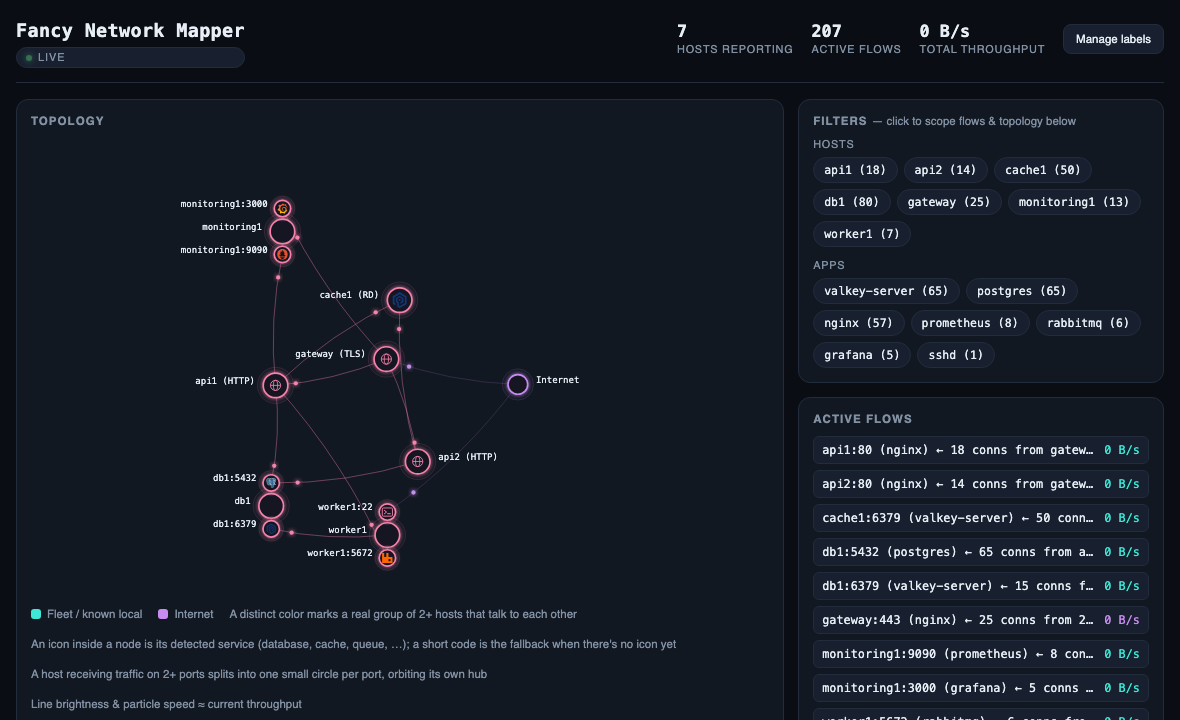
Fancy Network Mapper
I got tired of not knowing what my servers were talking to, so I built a tiny network mapper — two Go binaries that read the kernel's conntrack table and draw a live, force-directed map of who talks to whom across a fleet, with real throughput.
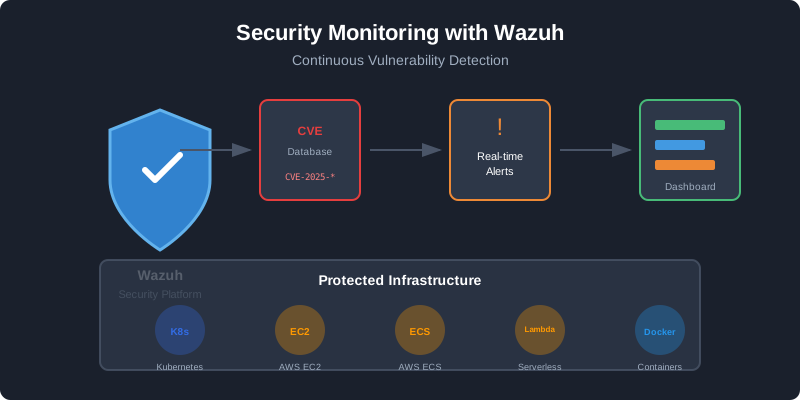
Wazuh Already Ships OpenSearch — Stop Installing a Separate One
Wazuh bundles OpenSearch as its indexer. If you are already running Wazuh agents, you have a capable search cluster sitting right there — no second installation needed. Here is how we extended it to collect system metrics, port inventories, and web logs.
Have a project in mind?
Let's work together to bring your ideas to life. Our team of experts is ready to help you build something amazing.